 Fluxx Tech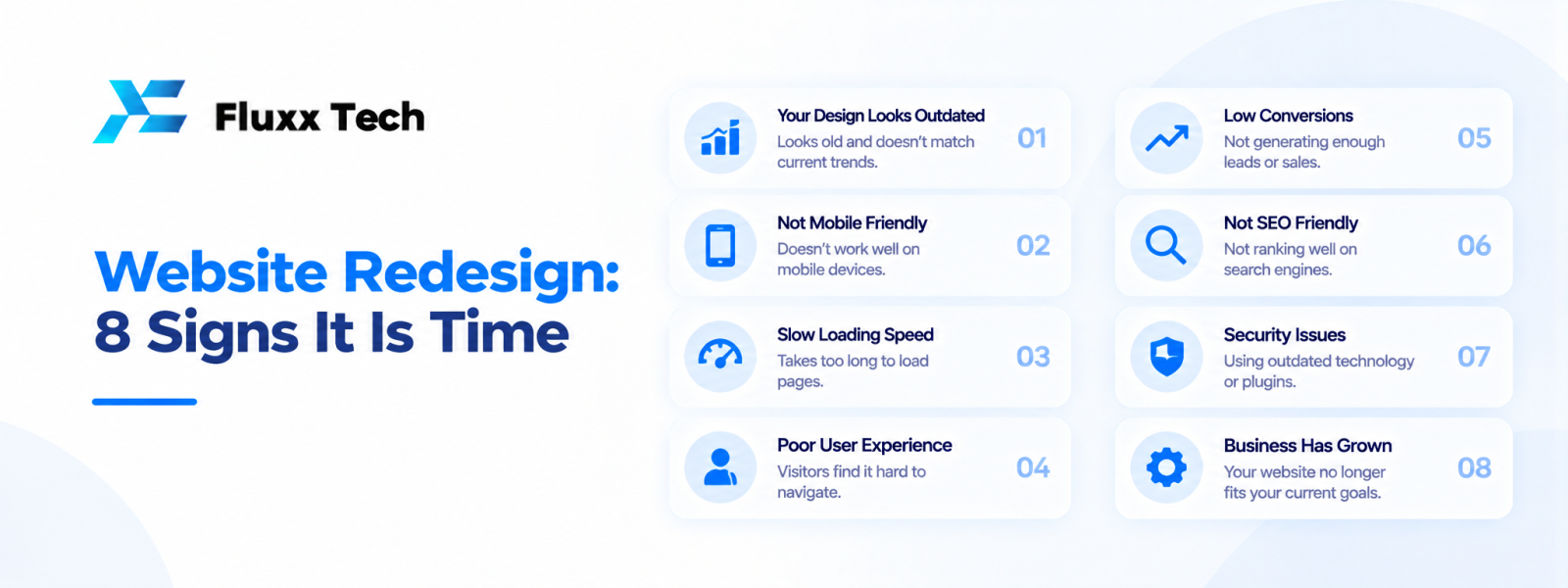
A website can become less effective as a business grows. The design may look dated, navigation may become confusing, mobile usability may suffer or the technology may no longer support new requirements. A website redesign should address a clear problem rather than change colours simply for the sake of novelty. Reviewing the signs early helps a business decide whether it needs a full rebuild, a focused improvement or a content refresh.
Website redesign: 8 signs it may be time
1. The design no longer reflects the business
If your services, positioning or audience have changed, the website may communicate an outdated message. Review the content and visual identity together.
2. Mobile navigation is difficult
Menus, forms and buttons should work on small screens. Test common tasks on mobile devices and identify where visitors struggle.
3. Visitors cannot find key information
Confusing navigation, unclear service pages or missing contact details can make it harder for people to understand what you offer.
4. The site is difficult to update
If every small content change requires technical help, review whether the CMS and publishing workflow still fit the team.
5. Important functions are broken
Forms, checkout, booking or search may have compatibility or usability issues. Fix critical failures before focusing on decorative changes.
6. Performance has declined
Measure loading and interaction performance on important pages. A redesign may help if the underlying architecture or page elements create persistent problems, but diagnose the cause first.
7. The site no longer supports business goals
A site built mainly as a brochure may not support new needs such as online sales, bookings, customer portals or lead qualification.
8. Security or technical support is a concern
Unsupported software, obsolete dependencies or unclear ownership can justify a technical review. A visual redesign alone will not resolve every security issue.
When to redesign versus improve the existing site
Start with an audit
Review analytics, user feedback, content, accessibility, performance, technical health and conversion paths. Use evidence to prioritise problems.
Choose targeted improvements when possible
If the main issues are a few slow pages, broken forms or outdated content, focused fixes may be more appropriate than rebuilding everything.
Consider a wider revamp
A larger redesign may be justified when the brand, information architecture, platform or business requirements have changed significantly.
Protect useful existing content
Before changing URLs or page structure, map important pages and plan redirects where appropriate. Review analytics and search performance before and after the change.
Plan a website revamp carefully
Set objectives
Define what the redesign should improve, such as easier navigation, clearer service information or a more effective enquiry journey.
Review users and content
Identify key audiences and organise pages around their questions and tasks.
Prepare design and content
Create wireframes, review copy and confirm the visual direction before full implementation.
Test before launch
Check mobile layouts, forms, links, accessibility basics, performance and important redirects.
Monitor after release
Review errors, user behaviour, enquiry quality and technical performance. Fix issues based on evidence.
Common redesign mistakes
Changing URLs without a plan
URL changes can affect existing links and search discovery. Map old and new pages and implement appropriate redirects.
Focusing only on appearance
A modern look will not fix unclear messaging, broken workflows or weak content.
Ignoring stakeholders
Collect feedback from the people who manage the website and the customers who use it, then prioritise based on business needs.
Launching without testing
A redesigned site can introduce broken forms, missing pages or display issues. Test the release before making it public.
Frequently Asked Questions
When should a business redesign its website?
Consider a redesign when evidence shows persistent usability, content, technical or business-fit problems that targeted fixes cannot address efficiently.
Does a redesign improve Google rankings automatically?
No. Results depend on many factors. Preserve useful content, handle URLs carefully and monitor changes.
Should I redesign or rebuild from scratch?
Audit the current site first. A focused improvement may be enough, while major platform or workflow changes may justify a rebuild.
What should be checked before launch?
Test mobile layouts, forms, links, redirects, performance, content and relevant security settings.
How often should a website be redesigned?
There is no universal schedule. Review the site's performance and business fit regularly and redesign when the evidence supports it.
Conclusion
A website redesign is most useful when it solves identified problems in usability, content, technology or business goals. Audit the existing site, prioritise improvements and protect useful URLs and content. Test the new experience before launch and monitor results afterwards.


