 Fluxx Tech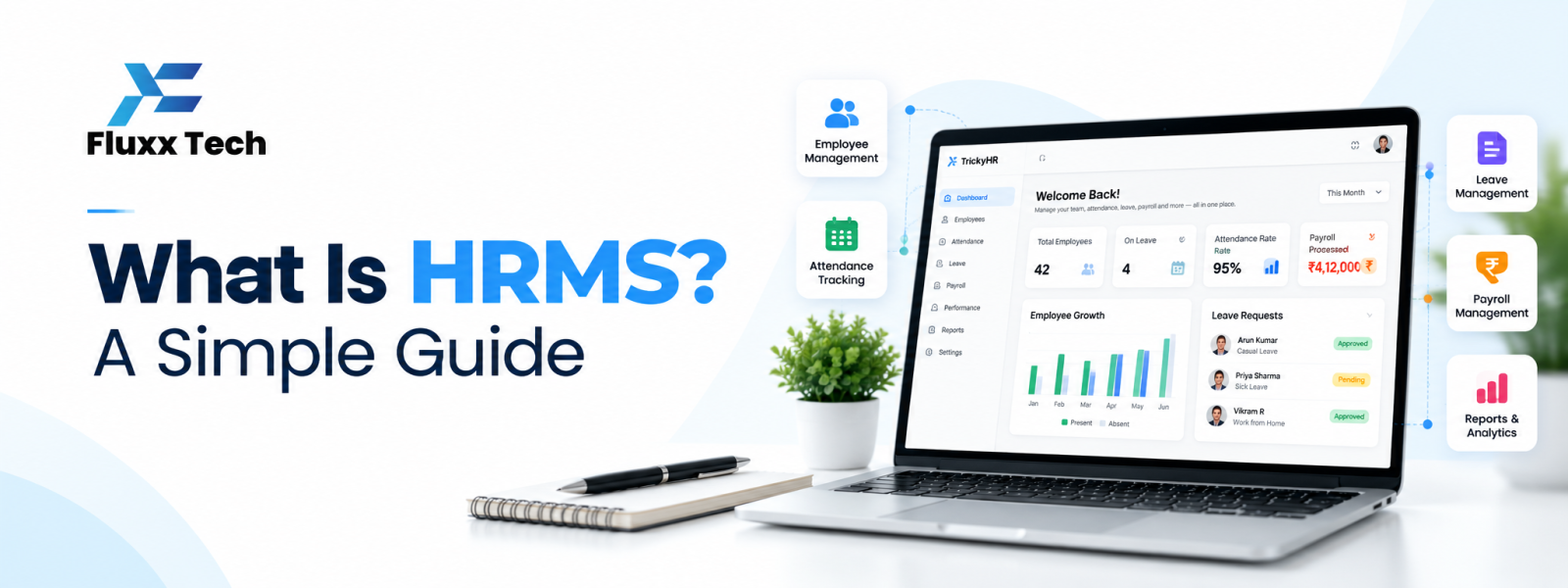
If you are asking what is HRMS, it stands for Human Resource Management System. It is software that helps an organisation manage employee information and selected human resource processes in one place. Depending on the product, it may include onboarding, attendance, leave, performance workflows, documents, payroll integration and reporting. The purpose is to make HR information more organised and processes more consistent—not to replace every decision made by HR professionals.
HRMS meaning and purpose
The HRMS meaning is easiest to understand by looking at the employee lifecycle: recruiting or onboarding, maintaining records, managing attendance and leave, supporting reviews and handling employee changes. A system may cover some or all of these stages.
A shared platform can reduce repeated entry and help authorised users find current information. Its value depends on accurate data, clear policies and adoption by employees and managers.
Common HRMS features
Employee records and documents, organisation structure, onboarding tasks, attendance and shift management, leave requests, employee self-service, approvals, reports and integrations are common capabilities. Some products also provide recruitment, performance, training or payroll modules.
Feature names vary by vendor. Ask for a demonstration of the workflow your business needs instead of assuming a label means the same thing across products.
HRMS vs separate HR tools
A business may use separate tools for payroll, attendance and employee records, or choose a platform that combines them. An integrated product can reduce duplicate work, while separate tools may offer specialist features or fit existing processes better.
The key is to understand where the official record lives, how data moves between tools and who resolves discrepancies. Integration quality can matter more than the number of modules advertised.
Who can benefit from HRMS?
Small businesses may benefit when employee information and leave requests become difficult to track. Growing organisations may need consistent approvals across teams or locations. Factories and field teams may need shift and attendance workflows that spreadsheets cannot handle reliably.
A very small team with simple needs may not need a complex system. Choose the lightest solution that reliably supports current processes and likely near-term requirements.
How to implement HRMS successfully
Start by documenting processes and cleaning employee data. Decide who owns each record, configure policies, test permissions and reports, and pilot the system before a full rollout. Train employees and managers and explain where they can get help.
Review usage, data quality and recurring support requests after launch. Keep the configuration aligned with approved policy changes and remove access when employees change roles or leave.
Conclusion
In conclusion, the right HR and payroll process helps a business manage employee information more consistently, reduce avoidable manual work and give teams better visibility into day-to-day operations. Start by identifying the organisation’s actual requirements, checking compliance needs and involving the people who will use the system. Compare solutions carefully, test important workflows before rollout and review the results after implementation. A well-planned approach can make HR operations more reliable as the organisation grows.
Frequently Asked Questions
Is HRMS the same as payroll software?
Not necessarily. Payroll software focuses on salary processes; an HRMS can cover a wider set of employee and HR workflows.
Can a small company use HRMS?
Yes, if the features and cost match the company's needs. Start with the processes that create the most administrative work.
What is the most important HRMS feature?
There is no single feature for every business. Prioritise the workflows, security and integrations that solve your organisation's main problems.


