 Fluxx Tech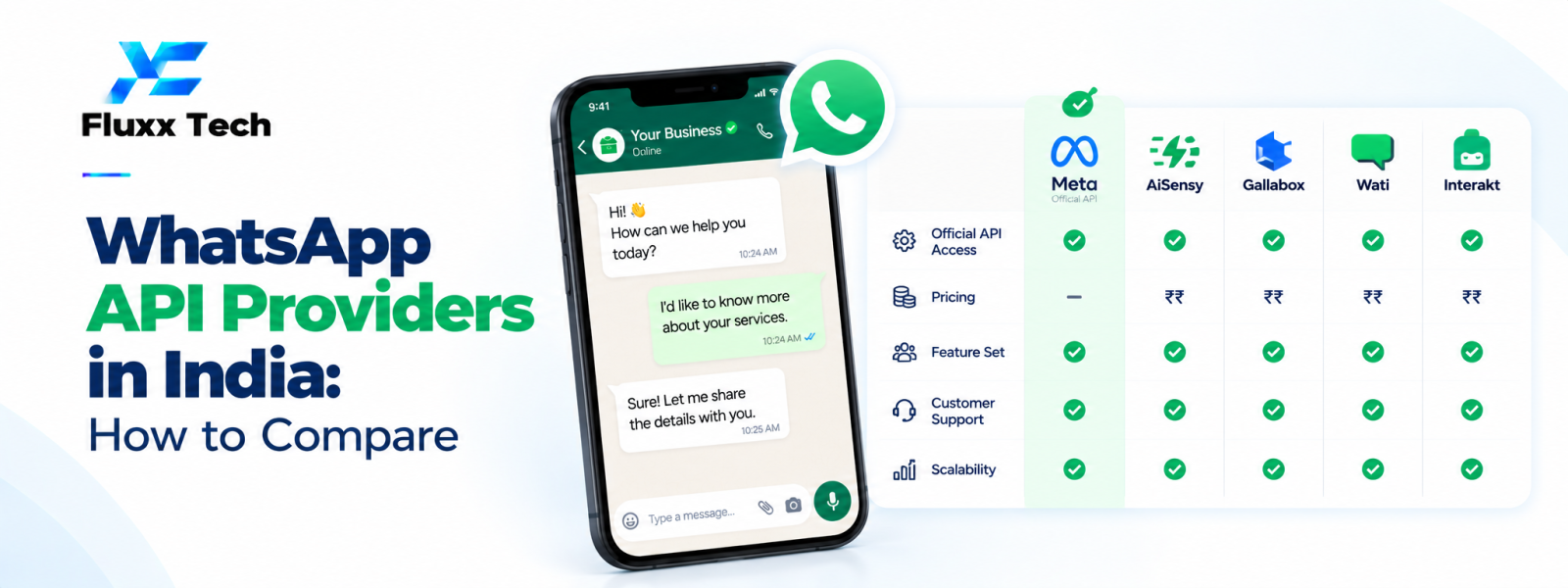
Choosing a WhatsApp API provider India businesses can rely on requires more than comparing a monthly fee. Providers may differ in onboarding support, team inbox features, template workflows, integrations, reporting, technical flexibility and ongoing service. The right choice depends on how your business plans to use WhatsApp and who will operate the solution. Verify current Meta requirements and compare providers against a written checklist before signing a contract.
Understand the provider's role
A provider may offer a dashboard and tools that connect a business to the WhatsApp Business Platform. Depending on the product, it may include team inbox, templates, chatbot workflows, campaign management, analytics, integrations or API access.
Clarify which services are supplied by the provider and which are controlled by Meta. Ask who handles onboarding, configuration, technical incidents, policy-related questions and billing support.
Compare core product features
Shared inbox: Check assignment, team roles, conversation history, notes and workload visibility.
Templates: Review creation, submission, status tracking, language support and the process for rejected templates.
Automation: Check whether the platform supports the specific workflows you need and provides a human handoff.
Integrations: Verify connections to CRM, e-commerce, helpdesk, booking or internal systems, including the data fields exchanged.
Reporting: Look for useful operational metrics and exports rather than dashboard screenshots alone.
Developer access: If needed, check API documentation, webhook reliability, authentication, logs and versioning.
Understand the full cost
Request an itemised quote covering setup, recurring platform fees, users, phone numbers, usage, message charges, integrations, support and taxes. Ask how current Meta charges are passed through and whether provider markups apply.
Check the price at your expected usage level and a higher-growth scenario. Understand renewal terms, cancellation fees, number migration and what happens to data when the contract ends.
Security, ownership and portability
Ask about role permissions, authentication, audit logs, data retention, backups and incident handling. Understand where customer data is stored and who can access it.
Confirm who owns the business account, phone number configuration, templates and customer records. Request a clear process for exporting data and migrating to another provider if needed. Avoid arrangements that leave your business without practical control over its account.
Evaluate onboarding and support
Ask who will guide setup, what documents or actions are required, how testing works and what response times apply to support requests. Check whether the provider can help with integrations or whether that work is separately quoted.
Request a demonstration using your actual scenario, such as an incoming enquiry, assignment to an agent, a template message and a CRM update. If possible, run a pilot before committing to a long contract.
Use a provider scorecard
Score each provider against functional fit, setup effort, reliability, security, integration, support, total cost and portability. Weight the criteria based on your business priorities and record evidence for each score.
A strong provider should explain limitations honestly and help your team operate the system responsibly. Choose the option that fits your workflow today while leaving a practical path for future changes.
Conclusion
In conclusion, a well-planned WhatsApp business workflow should make communication more useful for customers while remaining organised, permission-based and aligned with the platform’s current policies. Define the use case first, configure the right tools and templates, test the customer journey and monitor message quality and outcomes. Review official WhatsApp and Meta guidance before making decisions about pricing, eligibility or policy requirements. With clear processes and relevant communication, businesses can use WhatsApp more effectively for customer conversations and support.
Frequently Asked Questions
Is the cheapest WhatsApp API provider the best choice?
Not necessarily. Compare the complete cost, reliability, support, integrations, data ownership and required features.
What does BSP mean?
BSP is commonly used to mean Business Solution Provider in this context. Verify a provider's current status and role through official channels rather than relying only on marketing claims.
Can I change providers later?
Migration options depend on the account setup and provider terms. Confirm number, account, template and data portability before signing.


