 Fluxx Tech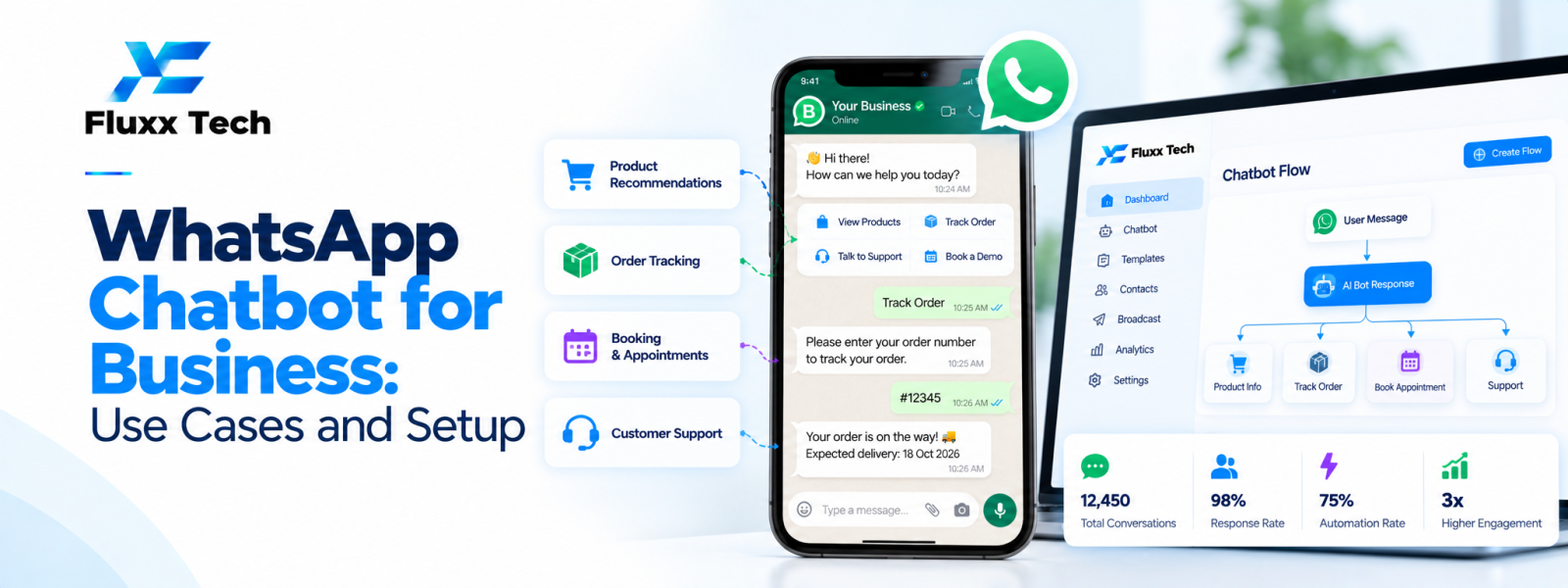
A WhatsApp chatbot for business can answer common questions, collect basic information and guide customers through repeatable workflows. It is most useful when it solves a clearly defined customer problem and provides a smooth route to a human when needed. A chatbot should not be added simply because automation is popular; map the conversation, confirm the platform requirements and decide what the bot must never handle without human review.
What a business chatbot can do
A chatbot can greet customers, present options, answer approved FAQs, collect lead details, share order status or route a request to the right team. More advanced workflows may connect to a CRM, booking system or order database if the integration is designed and secured correctly.
Keep answers within the information the business can verify. For questions involving complex complaints, sensitive information or decisions requiring judgement, provide a clear escalation path rather than forcing users through a fixed menu.
Use cases by business type
Retail and e-commerce: Answer product questions, share delivery updates and guide customers to support.
Clinics and service businesses: Provide approved service information, appointment guidance and routing to staff. Protect personal information and avoid presenting a bot as a substitute for professional judgement.
Education and training: Share course details, schedules and enquiry routing, with clear ownership of follow-up.
Restaurants: Provide opening hours, menu links, reservation guidance or order-status information when connected systems support it.
B2B services: Qualify enquiries with a small number of relevant questions and route leads to the correct sales representative.
Plan the conversation before building
Define the main user goal, entry points, common questions, required information and expected outcome. Write concise responses and avoid asking for data that is not necessary. Provide menu options or a way to return to the start when the user gets stuck.
Map unsuccessful paths: unknown questions, missing information, system downtime, a user who wants a person and a request outside the bot's scope. Decide when to hand off and how the agent receives the conversation context.
Set up the WhatsApp connection
Choose a suitable official WhatsApp Business Platform approach or provider. Confirm business and phone number setup requirements, message templates, permissions, webhook or integration needs and the current policy requirements.
Connect only the systems needed for the first release. Test message delivery, duplicate events, timeouts, authentication, error handling and the protection of customer data. Ensure that credentials and tokens are stored securely.
Measure and improve the bot
Track completion rate, unresolved questions, human handoffs, response quality, customer feedback and the business outcome the bot is intended to support. Review failed conversations regularly and update answers when products, prices or policies change.
Start with a narrow workflow and expand after it is stable. A smaller, reliable chatbot is usually more useful than a large flow with many broken or confusing branches.
Conclusion
In conclusion, a well-planned WhatsApp business workflow should make communication more useful for customers while remaining organised, permission-based and aligned with the platform’s current policies. Define the use case first, configure the right tools and templates, test the customer journey and monitor message quality and outcomes. Review official WhatsApp and Meta guidance before making decisions about pricing, eligibility or policy requirements. With clear processes and relevant communication, businesses can use WhatsApp more effectively for customer conversations and support.
Frequently Asked Questions
Does a WhatsApp chatbot need the Business API?
Business chatbot automation generally uses the WhatsApp Business Platform or an appropriate provider integration. Verify current setup options and requirements.
Should a chatbot replace human support?
Usually not completely. Provide a clear human handoff for complex, sensitive or unresolved requests.
What should be automated first?
Start with frequent, predictable questions or a well-defined workflow that can be answered accurately and measured.


