 Fluxx Tech
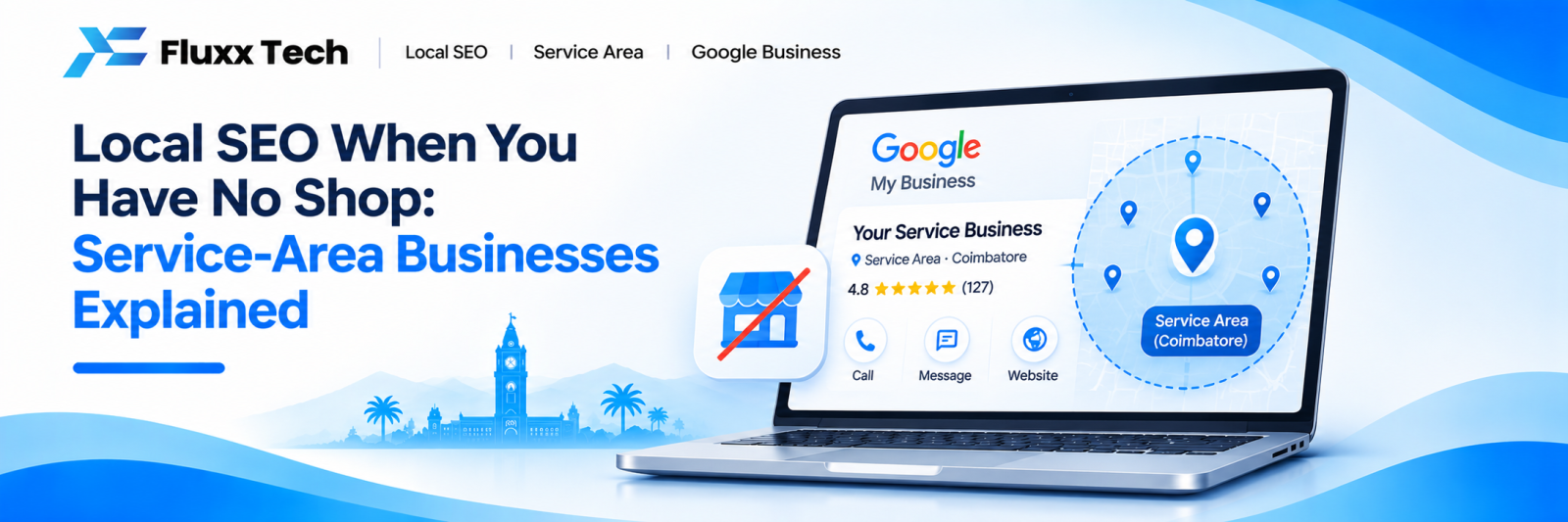
A large number of businesses in Coimbatore have no premises a customer would ever visit. Electricians, plumbers, AC technicians, pest control, photographers, event planners, home tutors, interior contractors, consultants, freelancers working from home.
They all face the same problem: Google’s local search is built around addresses, and they either do not have one or do not want to publish their home address.
Google has a specific answer for this, and most people set it up wrongly.
Service-area business: what it means
Google lets you create a Business Profile where you declare the areas you serve rather than a location customers visit. The address is used for verification but is not displayed publicly.
| Storefront | Service-area |
Address shown publicly | Yes | No |
Customers come to you | Yes | No |
Serves a declared area | Optional | Yes |
Can still appear in map pack | Yes | Yes |
Verification needs an address | Yes | Yes, but kept private |
You qualify as service-area if customers never come to you — you go to them, or the work is delivered remotely.
You are a hybrid if some customers visit and you also travel. A salon that also does home visits, a workshop that also collects vehicles. Hybrids keep the address visible and add service areas.
Setting it up correctly
1. Create or claim your profile at business.google.com
2. At the address step, enter your real address — this is for verification only
3. When asked “Do you serve customers at this location?”, answer No
4. Google then hides the address and asks for your service areas
5. Add your areas: Coimbatore, and the specific places you genuinely cover
6. Complete verification, usually by postcard, phone or video
The common mistake is entering the address and answering “Yes”, then later asking Google to hide it. That creates an inconsistent profile. Set it correctly the first time.
Choosing service areas sensibly
You can add multiple areas, but this is not a free way to appear everywhere.
Add areas you actually serve. If you will not drive to Pollachi, do not list Pollachi. You will get calls you have to refuse, which wastes everyone’s time and produces poor reviews.
Be specific where it helps. Listing “Tamil Nadu” is too broad to be meaningful. Listing Coimbatore, Saravanampatti, Peelamedu, Singanallur, Ganapathy, Ondipudur, Tiruppur is useful.
Understand the limit. Google caps service areas at twenty, and more importantly, declaring an area does not make you rank there. Proximity to the searcher still matters enormously. Listing Chennai will not get you into Chennai results.
The hard truth about proximity
This is the part nobody explains clearly.
In the map pack, how close you are to the person searching is one of the strongest factors. A service-area business is positioned at its verification address, even though that address is hidden.
So if your home is in Ondipudur, you will rank best for searches made near Ondipudur, reasonably for central Coimbatore, and poorly for searches made in Saravanampatti — regardless of what you declared as your service area.
What this means practically
• You cannot rank everywhere in the city from one location
• The further from your base, the harder it gets
• Everything else — reviews, categories, website — has to be stronger to compensate
• For genuinely distant areas, organic website rankings and ads matter more than the map pack
What to do instead of chasing the map
Since the map pack is constrained by proximity, service-area businesses should put more weight on ordinary organic search.
Build area pages on your website. A page for each major area you serve, with genuinely different content on each — the areas covered, typical jobs there, landmarks, response times, work you have done nearby.
The trap is publishing fifteen identical pages with the area name swapped. Google treats that as thin, duplicated content and may index none of them. Three strong, genuinely different pages beat fifteen templated ones.
Make the service pages detailed. What exactly you do, what it involves, how long it takes, how pricing is determined, what the customer needs to prepare.
Answer the questions people actually search. “Do electricians charge for a visit”, “how long does pest control take”, “what to check before hiring a photographer”. These bring in people at the research stage.
Everything else that matters
Element | Why it matters for you |
Categories | Primary category is one of the strongest ranking signals. Pick the most specific one that fits. |
Reviews | Count and recency matter heavily, and reviews mentioning a location help with that area. |
Photos | You have no shop to show — show the work, the van, the team, before and after. |
Hours | If you do emergency work, say so. Accurate hours prevent bad reviews. |
Phone number | A local mobile is fine. Keep it identical everywhere. |
Website | Must state the areas served clearly, on the homepage, not buried. |
Citations | JustDial, Sulekha, IndiaMART and similar — same name, same number, same areas everywhere. |
Common mistakes that cause real damage
Using a virtual office or a friend’s address. If Google works out that you do not operate there — and it often does — the profile gets suspended. Recovering a suspended profile is slow and sometimes impossible.
Creating multiple profiles for different areas. One business, one profile. Multiple profiles for the same business is a policy violation and gets all of them flagged.
Publishing your home address when you meant to hide it. Check your live profile on Google Maps. If the address is visible and you did not intend it, fix the setting.
Listing areas you cannot serve. Produces calls you refuse and reviews complaining you do not cover their area.
Leaving the profile dormant. No posts, no photos, no review replies for a year reads as a closed business.
A realistic plan
Month 1 — Set the profile up correctly as service-area. Complete every field. Add fifteen real photos. List the areas you actually serve.
Month 2 — Start collecting reviews, a few a week. Build the two or three strongest area pages on the website.
Month 3 — Add service detail pages. Get listed on JustDial, Sulekha and IndiaMART with identical details. Begin posting to the profile monthly.
Month 4 onwards — Keep reviews coming, keep photos current, add a page or article each month, and watch Search Console for which areas and services are gaining impressions.
Frequently asked questions
Will my home address be visible to anyone? Not on your public profile if you set it as service-area correctly. Google holds it internally for verification. Check your live listing to confirm.
Can I rank in an area far from where I live? In the map pack, it is difficult — proximity dominates. In ordinary organic results you can, with a genuinely good page for that area. Ads are the reliable way to reach distant areas quickly.
How many service areas should I list? Only those you genuinely serve. Listing more does not help you rank and does create wasted calls.
I work from home but occasionally meet clients there. Which type am I? If meetings there are rare and by appointment only, service-area is the right choice. Only use storefront if customers genuinely visit as a normal part of your business.
Can I have a profile with no address at all? No. Google requires an address for verification. The choice is whether it is displayed, not whether it exists.
My profile was suspended. What now? Usually caused by an address that cannot be verified, a virtual office, or duplicate profiles. Fix the underlying issue, then submit a reinstatement request with evidence that you operate as described.