Fluxx Tech
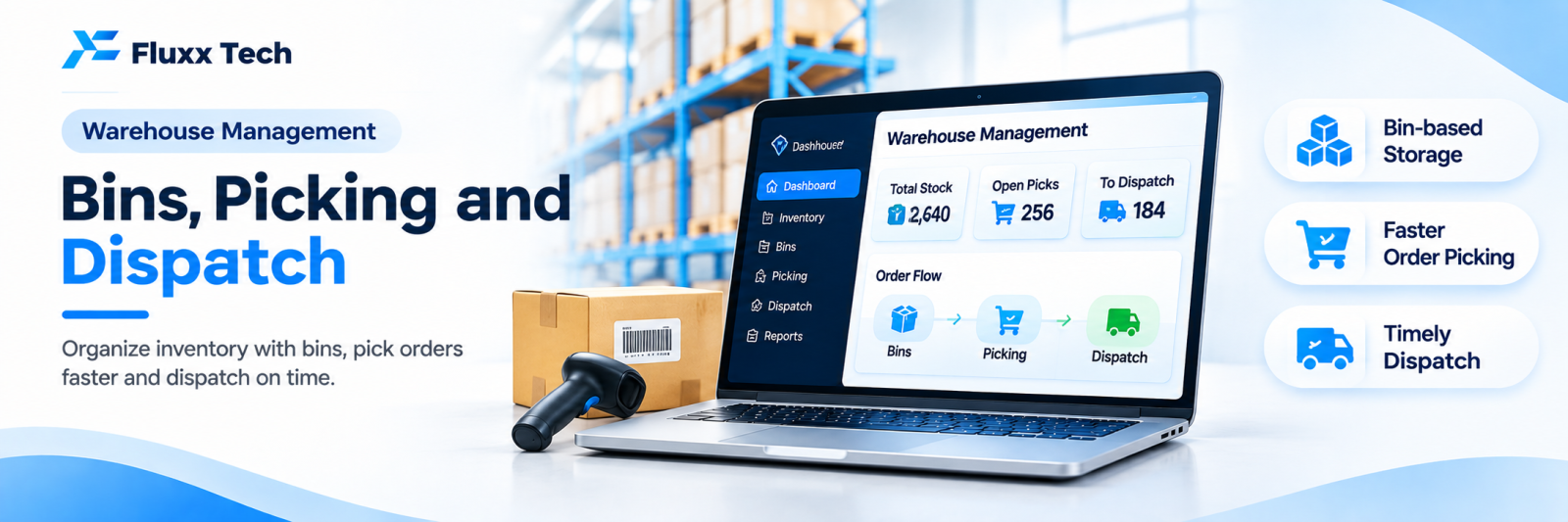
Inventory software tells you how many you have. A warehouse system tells you where it is, and gets it picked, packed and dispatched without errors.
The difference matters once your stock no longer fits in one room and one person’s memory.
When you have outgrown basic inventory
• Pickers walk around looking for items
• Only one or two people know where things are kept
• Wrong items get shipped regularly
• Stock exists in the system but cannot be found physically
• Stock-takes take days and never reconcile
• Older stock sits behind newer stock and expires
• Dispatch is the daily bottleneck
Any three of these and you need locations, not just quantities.
Bin locations: the foundation
Every storage position gets an address:
A-03-B-02
│ │ │ └── Position
│ │ └───── Level / shelf
│ └──────── Rack
└─────────── Zone / aisle
• Label every rack, shelf and bin, with barcodes
• Map the layout in the system
• Every item has one or more locations
• Fast-moving items near dispatch, slow-moving further away
• Separate zones for bulk storage and pick faces
• Quarantine zone for damaged or returned goods
Once locations exist, a new picker can work on day one by following the system.
Receiving and putaway
1. Goods arrive against a purchase order
2. Scan and verify quantity and item against the PO
3. Quality check, with rejections recorded
4. System suggests a putaway location
5. Scan the item and scan the bin to confirm
System-directed putaway is what keeps the map accurate. Letting staff put things “wherever there is space” without recording it destroys the whole system within a month.
Picking strategies
Strategy | How it works | Best for |
Single order | One picker, one order | Low volume, large orders |
Batch | Pick the same item for several orders at once | Many small orders |
Zone | Each picker covers one zone; orders pass between | Large warehouses |
Wave | Orders released in groups by dispatch time | Courier cut-off driven |
Cluster | One trip, several orders into separate bins | Ecommerce |
For most Indian SME warehouses, batch picking for small ecommerce orders and single-order picking for bulk B2B orders, run in parallel, is the practical answer.
The system should generate a pick list ordered by location, so the picker walks one efficient route instead of crossing the warehouse four times.
FIFO and FEFO
• FIFO (first in, first out) for most goods
• FEFO (first expiry, first out) for food, pharma, cosmetics, chemicals
The system directs the picker to the right batch. Without this, newer stock at the front gets picked and older stock expires at the back, which is a pure loss you only discover at stock-take.
Packing and dispatch
• Scan each item into the carton against the order
• System flags wrong or missing items before sealing
• Weight check against expected weight, where you have it
• Packing slip and shipping label generated
• Courier allocation and manifest
• Handover scan to the courier
The scan-to-pack step is what eliminates wrong shipments, which are expensive twice: return shipping and a lost customer.
Returns
• Received against the original order
• Condition assessed: resaleable, damaged, scrap
• Resaleable items returned to stock, in a specific location
• Damaged items to quarantine
• Refund or replacement triggered
Returns handled casually are a major source of stock discrepancy. Give them a process and a zone.
Cycle counting instead of annual shutdowns
• Count a few locations every day or week
• High-value and fast-moving items counted more often
• Variance investigated while the cause is still findable
• The warehouse keeps running
A business that cycle counts rarely needs a full shutdown count, and its stock accuracy stays high all year.
Measure
Metric | Target behaviour |
Order accuracy | Approaching 100% |
Picks per hour | Productivity |
Order to dispatch time | Service level |
Stock accuracy from cycle counts | Above 98% |
Returns due to wrong item | Should fall to near zero after scan-to-pack |
Space utilisation | Layout efficiency |
Damage and shrinkage | Handling and security |
Integration
• Ecommerce and marketplace orders flowing in automatically
• Billing and accounting. See our Tally integration guide
• Courier systems for labels and tracking
• Barcode scanning throughout. See our barcode systems guide
• Customer updates on dispatch. See our order status guide
Rollout
1. Clean the item master
2. Design and label the location scheme
3. Map current stock to locations; this is the heavy phase
4. Start with receiving and putaway
5. Add directed picking
6. Add scan-to-pack
7. Add cycle counting
8. Add returns processing
Do not switch everything on in one week during a peak season.
Frequently asked questions
How big does a warehouse need to be to justify this? It is about complexity more than size: many SKUs, many small orders, or multiple people picking.
Do we need handheld scanners? Phones work at low volume. Dedicated scanners are faster and more durable for full-day picking.
Will it slow us down at first? Yes, for a few weeks. Accuracy improves immediately; speed follows once staff learn the locations.